

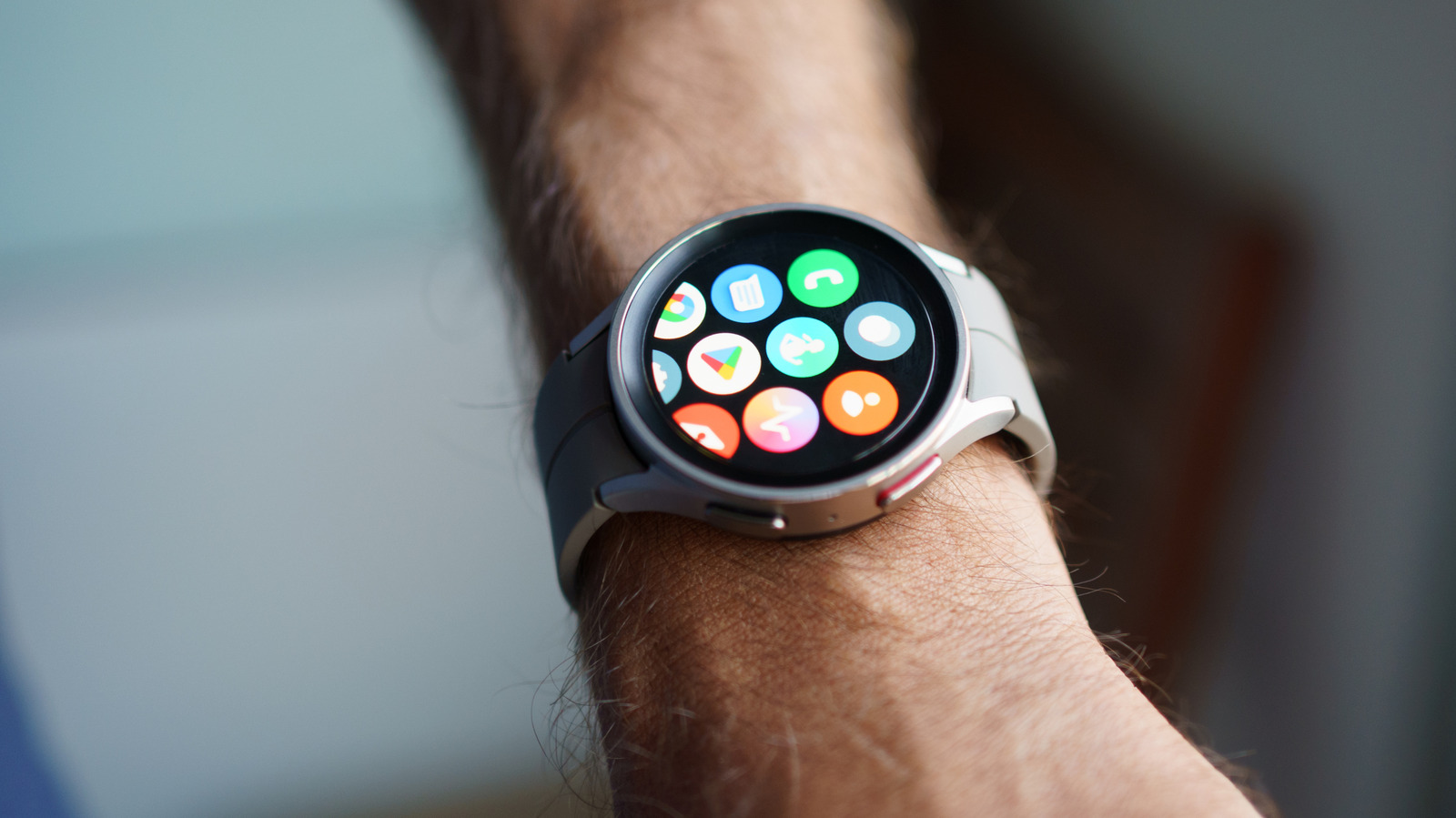
Smartwatches have evolved from being simple fitness and health tracking devices to powerful wearable computers that can run apps independently to complement your smartphone experience and make everyday activities more convenient. Samsung’s Galaxy Watch series has been around since 2018 and has brought consistent hardware and software improvements with each new generation. Over the years, Samsung has expanded its Galaxy Watch lineup, giving customers more options to choose a smartwatch that fits their needs.
Although there are major differences between the Galaxy Watch 9 and the Watch Ultra 2, both offer the same software experience with One UI 9 Watch, which is Samsung’s custom interface based on Wear OS 7. Beyond adding new health tracking features, One UI 9 Watch comes with a refreshed design that makes elements in apps and menus better suited to the watch’s circular display. With new updates also come new watch faces, which are always a nice way to personalize your smartwatch experience.
There’s a lot you can do with the built-in set of apps and utilities that the Galaxy Watch offers, but if you’re looking for more options, you can always explore third-party apps on the Play Store. In fact, you should already be able to find a few apps that your watch has installed automatically from your phone. You can try other workout apps, music streaming services, and everything in between, but let’s explore a few Galaxy Watch apps that can come in handy while you’re on the road.
Google Maps
A good navigation app is probably the most useful addition you can make to your driving experience, and Google Maps is as easy a recommendation as it gets. It’s free, reliable, and available on many platforms, including Wear OS. It might actually come pre-installed on your Galaxy Watch. Ideally, you’d rely on Android Auto to handle navigation and music playback when you’re driving, but if your car doesn’t feature the platform or if you simply prefer using your phone for directions, Google Maps on your Galaxy Watch can be a viable alternative.
It’s a given that you won’t be able to view directions or the map in nearly as much detail as you can on the larger screen of your phone or car’s infotainment screen, but Google Maps’ turn-by-turn navigation system uses haptics and voice that can offer an equally useful navigation experience when driving. After all, you don’t want to be distracted looking at a screen while you’re behind the wheel.
You can select a route to recent destinations, including your home, with a single tap. The app also lists nearby restaurants, transit stations, and other categories you might find useful. Alternatively, you can tap on the search button to set a route to any destination. You can also view the map and zoom in or out using your watch’s bezel. The different navigation system might take some getting used to, but Google Maps is a handy companion app for your Galaxy Watch during unfamiliar drives.
Spotify
If you like bopping your head to songs during your commutes, you probably already use a music streaming app on your phone. Spotify is the most popular music streaming service in the world and it continues to add new features with updates. Lossless audio, too, finally made its way to the platform in 2025 after years of promises and delays. Spotify also has a Wear OS version of its app, which you can use on your Galaxy Watch
The Spotify app on the Galaxy Watch lets you browse your music library and pick playlists or albums you want to listen to. If you don’t have headphones connected to your watch, supported Galaxy Watch models can still let you play music through the watch’s built-in speaker. Plus, if you have Spotify Premium, you can download tracks for offline playback as well.
There is one extremely useful feature here, too, and that’s Spotify Connect. It lets you use one device to control music playback on other compatible devices without automatically switching where the audio plays. This means you could have Spotify playing music on your car’s stereo through Bluetooth on your phone and still use your Galaxy Watch to pause, skip tracks, adjust the volume, or pick a different playlist without having to touch your phone. Spotify Connect is so convenient that people miss the feature when they switch to other music streaming apps like Apple Music.
Samsung Wallet
If you’re not already making payments with your smartwatch, you’re missing out on a whole new level of convenience, especially when you’re on the go and aren’t carrying your phone or wallet. Compatible Galaxy Watch models can be set up to work with contactless payments, as long as the feature is available in your region and your bank supports adding your debit or credit card to digital wallet apps. Plus, being able to simply bring your watch up to a payment terminal makes paying for fuel, parking, or quick bites much more convenient during a road trip.
Assuming you use a Samsung phone alongside your Galaxy Watch, the easiest way to get started with contactless payments is through the Samsung Wallet app, which comes preinstalled on the smartwatch. You’ll need to set up your payment card through the Galaxy Wearable app on your Samsung phone. Launch the app, navigate to Watch settings > Pay, sign in to your Samsung account when prompted, and tap on the “Add card” button. Note that the exact menu labels may vary depending on your Galaxy Watch model. If you haven’t already set up a PIN on your Galaxy Watch, you’ll be asked to create one in order to use Samsung Wallet.
Your cards should now be available on your Galaxy Watch. To pay at terminals, press and hold the Back button on your smartwatch. You can also set up Google Wallet on your Galaxy Watch if that’s your preferred payment service.
Your car’s companion app
Modern car safety features like automatic emergency braking and blind-spot collision warning are extremely useful and important, but it’s also great to see a lot of manufacturers offering smart features that make driving and interacting with the controls on your car more convenient. If your car model offers a companion app you can install on your phone, you might be able to access some of its features on your Galaxy Watch as well.
Start by checking whether your manufacturer has a Play Store app that works with your car. You’ll first need to download the app on your phone and set it up by signing into your account and linking your car by following the manufacturer’s instructions. If the app comes with Wear OS integration, you should see it automatically installed on your Galaxy Watch. For example, the MyHyundai with Bluelink app that’s available on the Play Store has a Wear OS version that lets you lock and unlock your car’s doors, start or stop the engine, control the horn and lights, locate your vehicle, and view other bits of information like fuel levels and tire pressure.
In some cases, an active subscription is necessary for these features to be accessible. If your car’s companion app isn’t officially available on Wear OS, you can try exploring other third-party alternatives. The Tessie app on the Play Store, for instance, lets you monitor and control compatible Tesla vehicles using your Galaxy Watch.
