
Learn how to use GPT-5.6 and ChatGPT Work with this step-by-step guide covering prompts, projects, app integrations, workflow management, and refining AI-generated results for everyday tasks and work.
MC Tech Desk
July 10, 2026 / 13:21 IST
GPT 5.6
OpenAI has introduced GPT-5.6 and ChatGPT Work, expanding ChatGPT from a conversational assistant into a platform that can handle research, writing, coding, data analysis and multi-step workflows. While GPT-5.6 is designed to tackle complex tasks with minimal guidance, ChatGPT Work helps users complete projects by connecting files and workplace apps. Here’s a step-by-step guide to getting started.
Step 1: Open ChatGPT and choose GPT-5.6
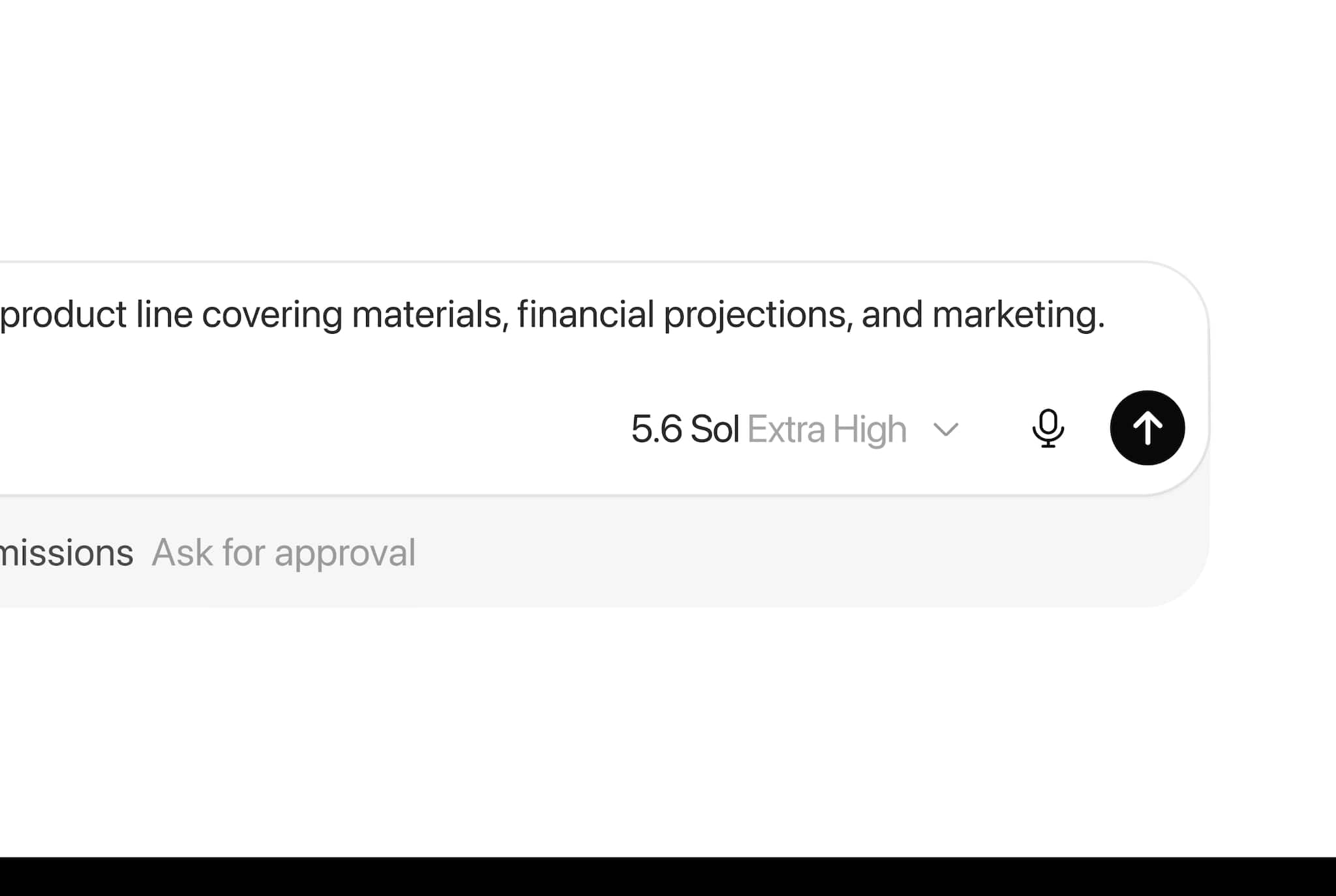
Sign in to your ChatGPT account and select GPT-5.6 if it is available in your subscription tier. The model is designed to understand broader objectives instead of requiring detailed instructions for every step. Rather than asking it to perform one action at a time, describe your overall goal clearly.
Enter a detailed prompt explaining what you want to achieve. For example, you can ask GPT-5.6 to compare products, summarise research papers, write an article, explain a technical topic, generate code or prepare a business proposal. The more context you provide, the more accurate and relevant the output will be.
Step 3: Upload supporting files
If your task involves documents or data, upload the necessary files. GPT-5.6 supports spreadsheets, PDFs and other compatible documents for analysis. It can identify trends, clean datasets, generate summaries and provide insights based on the uploaded information.
Step 4: Use it for coding and technical work
Developers can ask GPT-5.6 to generate code, review existing projects, debug errors or explain programming concepts. It can also assist with API development and more advanced software tasks through its coding capabilities.
Step 5: Switch to ChatGPT Work for larger projects
For workflows involving multiple steps, use ChatGPT Work instead of a single chat session. Describe the final outcome you want, such as preparing a presentation, compiling research or creating project documentation, and upload any supporting files required.
Step 6: Connect workplace applications
ChatGPT Work can integrate with supported services such as Slack, Gmail, Google Drive and CRM platforms. After connecting these apps, it can retrieve relevant information, organise data and use it to complete the assigned project with less manual effort.
Step 7: Review the generated output
Once the task is complete, review the content for accuracy and completeness. You can ask GPT-5.6 or ChatGPT Work to revise sections, add more details or change the format until the result matches your requirements.
Continue the conversation with follow-up prompts to improve the output. Whether you are writing content, analysing data, building software or preparing presentations, refining the results through additional instructions can help produce a more polished final version.
MC Tech Desk Read the latest and trending tech news—stay updated on AI, gadgets, cybersecurity, software updates, smartphones, blockchain, space tech, and the future of innovation.
first published: Jul 10, 2026 01:21 pm
Discover the latest Business News, Sensex, and Nifty updates. Obtain Personal Finance insights, tax queries, and expert opinions on Moneycontrol or download the Moneycontrol App to stay updated!
Watch
Trending news

Spent Rs 1.4 lakh, got leaky ACs, power cuts: Customer says Gurugram party became a costly disappointment
- Kerala man uses Google to trace friend’s hometown, returns Rs 25,000 borrowed 25 years ago in Gulf
- ‘Dream company, 60% salary hike, all gone’: Bengaluru CA reveals how a friend lost Rs 40 lakh job offer
- 19-year-old student writes will, leaves Rs 28 crore fortune to childhood friend instead of family. Here’s why
- Man who quit Rs 15 LPA job to start a business says he now earns just Rs 12,000 a month
- Legendary singer S Janaki passes away at 88, leaves a legacy behind
- Quote of the Day by Matt Damon: “Sometimes all you need is twenty seconds of insane courage…” – Inspiring lessons on bravery, taking chances and overcoming fear
- This girl is called ‘Next Einstein’: Meet Sabrina Pasterski, who built & flew her own plane at 14, left NASA to chase universe’s biggest mystery
- A model who chose the uniform: Meet Lt. Kashish Methwani, who left modelling to join Indian Army. Here’s why
- How cleaning the inlet water filter can fix your washing machine’s water flow problems and improve cleaning
- Zomato co-founder Deepinder Goyal on Temple’s new Entropy feature; says it helped him see…
- Bandanas are back! From Priyanka Chopra’s Wimbledon look to Kareena Kapoor’s beach holiday fashion, see pics
- This woman lost 27 kg after becoming a mother in 2 years, see her complete diet plan
- For the first time ever, 125-million-year-old goblin shark filmed alive in deep ocean; watch video here
- IIT degree still worth it in the AI era? IIT Bombay alumnus says your peer group matters more than technology
`);
}
if(res.stay_updated){
$(“.stay-updated-ajax”).html(res.stay_updated);
}
}catch(e){ console.log(e); }
});
},2000); // Reduced from 8s to 2s for better Core Web Vitals (LCP/UX)
});
